
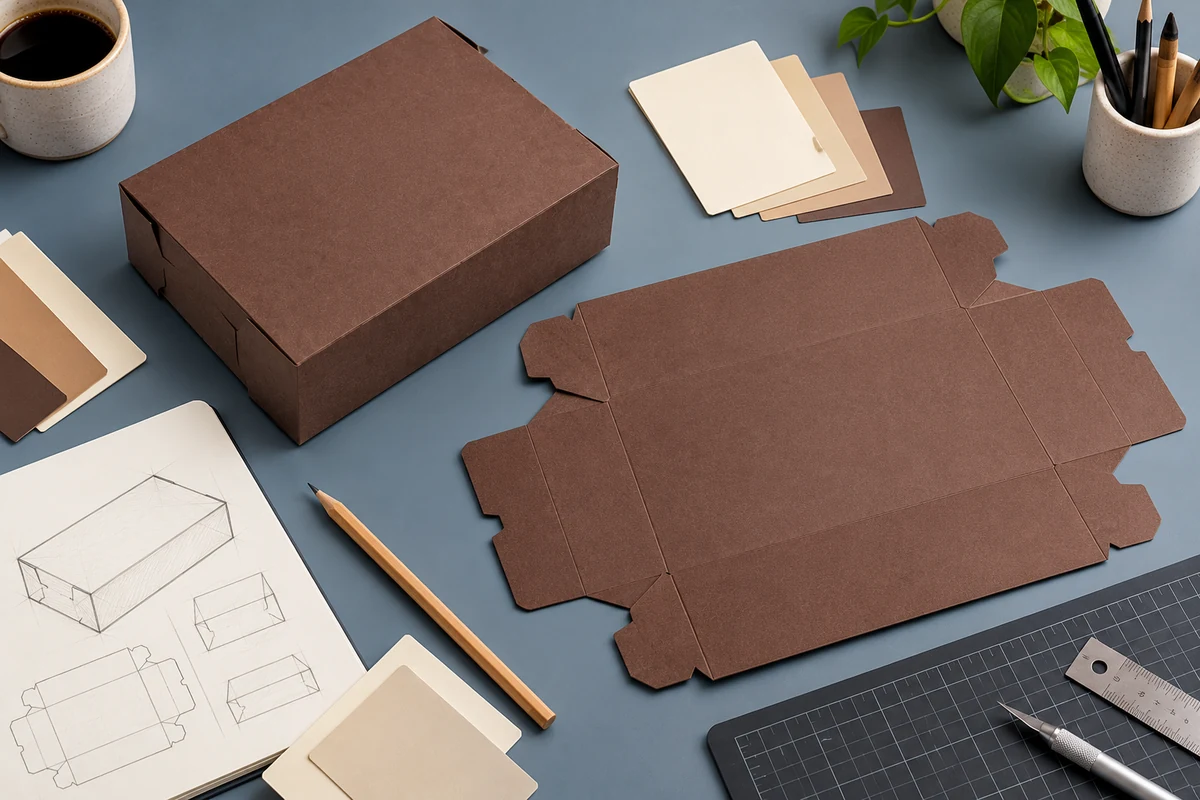
A clear custom box design brief gives your designer the information needed to build useful artwork. It also helps prevent a good-looking layout from being designed around the wrong box.
Confirm the package before the graphics
Identify the box style, size, and intended product. Ask for the correct template or dieline before placing artwork. If the structure is still undecided, share product measurements and photos first rather than designing to a guessed outline.
Send one organized brief
- Logo: send the original vector file when available, along with any brand guidelines.
- Colors: include your brand color references and ask which print approach suits the project.
- Required wording: provide final contact details, website, social handle, and any approved message.
- Goal: choose the main action, such as reordering, viewing the menu, or recognizing your brand.
- Timing: give the needed in-hand date and name the person who approves artwork.
Make feedback specific
Instead of “make it pop,” identify what needs attention: a larger logo, stronger contrast, a clearer ordering message, or a less crowded panel. Collect your team’s feedback into one response so the designer can resolve it together.
If you include a QR code, provide the final destination and test a printed proof at the proposed size. Keep it away from folds and closures. A code that works on your monitor may be difficult to scan on the finished box.
Read W Packaging’s custom print program and file guidance for submission requirements. If you need help selecting the structure, use the product range as a starting point.
Start with a useful design brief
Discuss your custom box project with W Packaging. Send your logo, box details, estimated quantity, and target date, and identify any artwork help you need.