
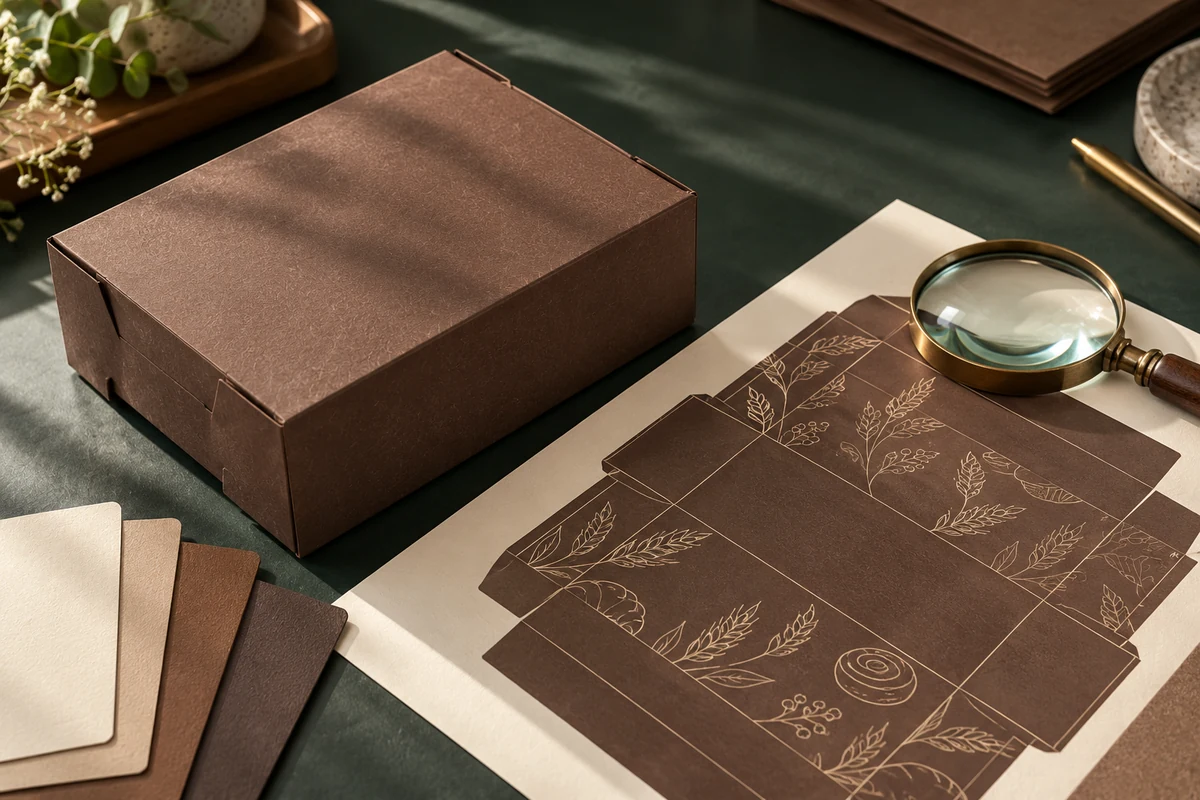
A custom packaging proof is the moment to check whether the design says the right thing in the right place. Reviewing it carefully can prevent an outdated phone number, misplaced panel, or unreadable ordering message from reaching production.
Review the exact box and version
Confirm the style, size, and artwork version at the start of your review. Check that the proof uses the template intended for the order. When several sizes share a design, review each size rather than assuming one approval covers every layout.
Check content, placement, and function
- Wording: verify brand spelling, phone numbers, website addresses, and social handles.
- Artwork: check the logo version and any required brand color references.
- Panels: identify the top, sides, bottom, folds, and closure areas.
- Readability: review small text at the proposed final size.
- Action: test the QR code and confirm that its destination works.
Ask how the proof represents color and what differences may occur in printing. A screen preview is useful for layout but does not guarantee an exact match to a physical material.
Collect one final response
Have the relevant decision makers review the same version. Consolidate corrections into a single message that identifies each panel and requested change. Keep the latest approved version and approval record with the order.
If a correction changes the artwork, review the revised proof before approving. Avoid relying on comments from an earlier version after the layout has changed.
W Packaging’s custom print program explains the artwork process. Use our design brief checklist to organize the inputs before that stage.
Prepare your next custom packaging project
Discuss custom printed boxes with W Packaging. Share the box details, logo, quantity, and deadline, then confirm the proof and approval steps for your order.